
The question comes up a lot: "can you really connect an AI agent to Google Ad Manager, and have it talk to other agents?" The answer is yes, and it doesn't require rewriting anything. It all comes down to one thing you must get right: the connection. Everything else — exposing the agent, deploying it, orchestrating it — is standard plumbing that agent frameworks already handle.
This article (1/4 of the "OrbiAds in A2A" series) shows, step by step, how an agent talks to Google Ad Manager through OrbiAds, and how authentication actually works.
MCP and A2A: two complementary protocols
People often conflate them. The distinction is simple — and it shapes everything that follows.
Agent ↔ tools. The channel through which an agent calls tools and data. OrbiAds' MCP server exposes 290+ Google Ad Manager operations behind a single endpoint.
Agent ↔ agent. The channel through which one agent discovers another and delegates a task to it.
Our approach invents nothing: we wrap the existing OrbiAds MCP in a small agent, then expose that agent over A2A. An A2A agent then behaves like a CLI agent: a runtime, an instruction (the "skill"), tools (the MCP), and a loop.
The minimal GAM agent
With Google's Agent
Development Kit (ADK), the agent fits in a few lines: an LlmAgent, an MCPToolset pointed at OrbiAds, and a tool_filter that scopes the exposed tools. to_a2a() turns the agent into an A2A
service and generates its card automatically.
from google.adk.agents import LlmAgent
from google.adk.tools.mcp_tool.mcp_toolset import MCPToolset
from google.adk.tools.mcp_tool.mcp_session_manager import StreamableHTTPConnectionParams
from google.adk.a2a.utils.agent_to_a2a import to_a2a

orbiads_mcp = MCPToolset(
    connection_params=StreamableHTTPConnectionParams(
        url="https://orbiads.com/mcp",
        headers={"Authorization": f"Bearer {TOKEN}"},
    ),
    tool_filter=["check_credentials", "select_gam_network", "inventory"],
)

root_agent = LlmAgent(
    name="gam_inventory_sentinel",
    model="gemini-2.5-flash",          # MODEL = your choice
    instruction="You are a READ-ONLY GAM inventory sentinel. ...",
    tools=[orbiads_mcp],
)

a2a_app = to_a2a(root_agent, port=10000)  # serves /.well-known/agent-card.json
Important detail: to_a2a() exposes the agent as one skill (not
one per tool). The tool_filter scopes capabilities internally — the
angle is encapsulation (a clean business agent), not "fewer tokens".
The core: the OAuth connection
This is where it all happens. OrbiAds runs on delegated user OAuth: the user authorizes once, OrbiAds keeps a per-tenant encrypted refresh token and refreshes access tokens.
Key point: OrbiAds only accepts authorization_code + refresh_token — no client_credentials (no
machine-to-machine without a human). Hence three use cases:
E.g. Claude Desktop: native OAuth connection, nothing to code.
Bootstrap a token once via get_token.py, then the refresh token takes over.
Managed Agent Identity 3LO connector (article 2).
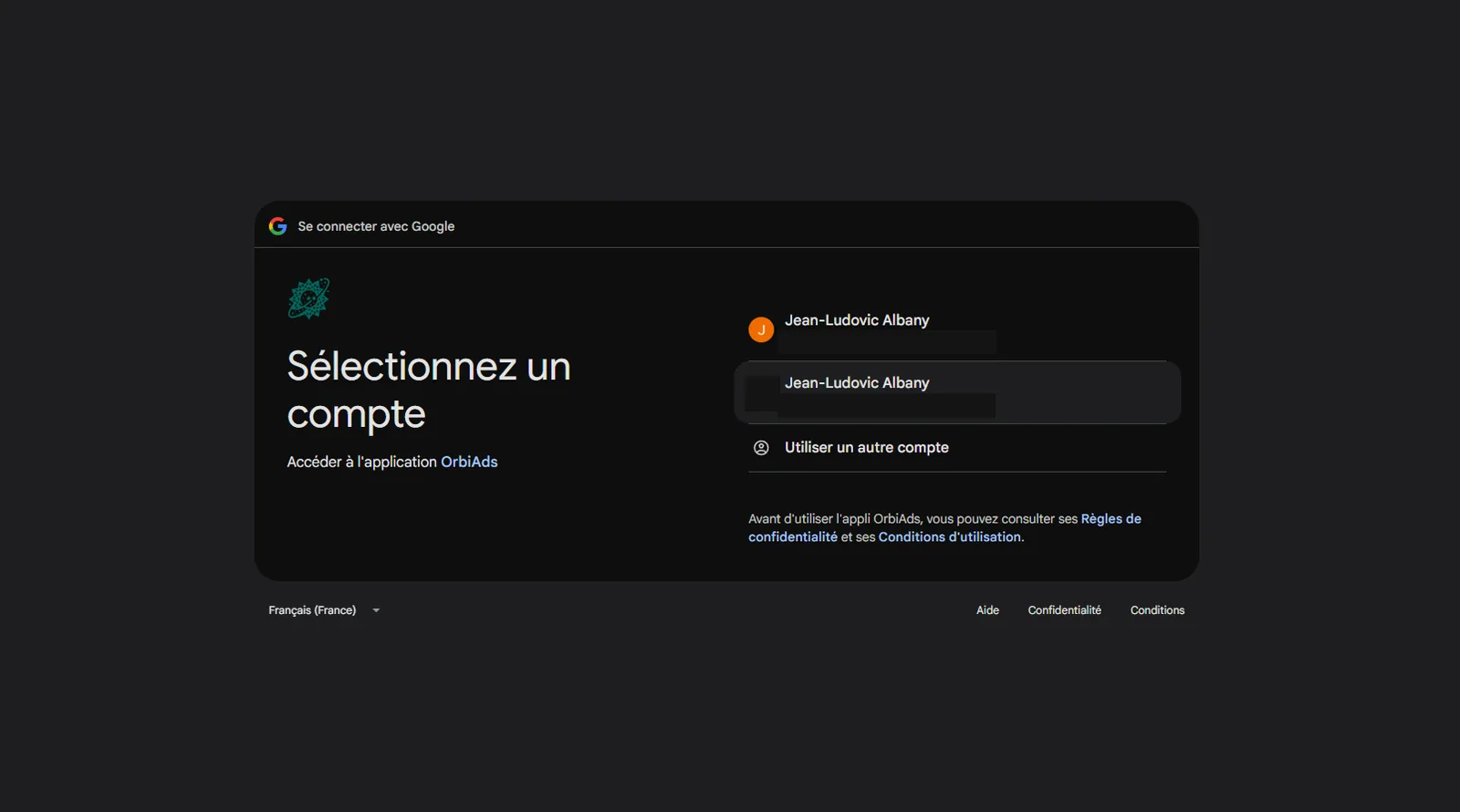
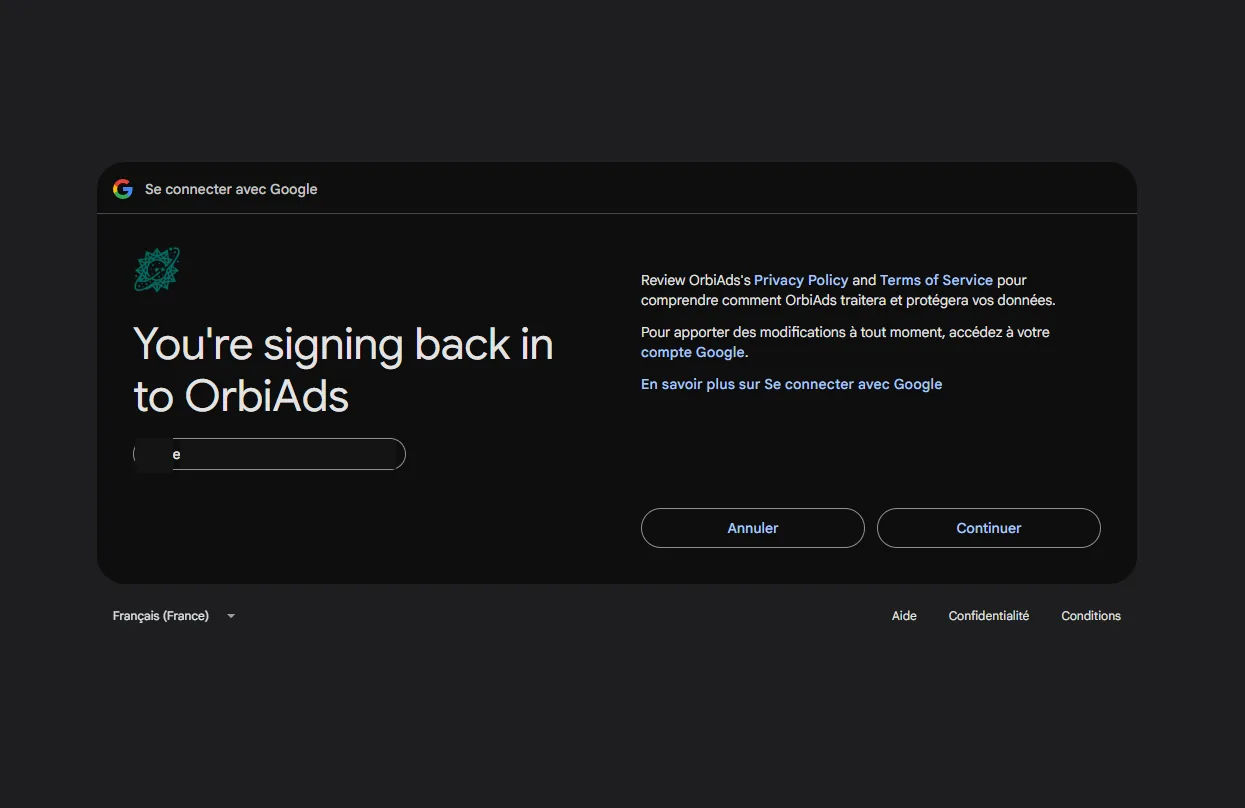
At consent, Google asks which account authorizes the app — it's the user who grants access, never the agent on its own:
A tip that saves hours: ADK loads the .env in the agent folder, not shell variables — that's where the token written by get_token.py must go.
The Agent Card: what the A2A world sees
As soon as the agent runs, it serves its card at /.well-known/agent-card.json — the
public A2A contract: name, description, skills, URL. It's exactly what another agent
reads to decide whether to delegate. (The older /.well-known/agent.json path is still served as a backward-compatible alias by the A2A SDK.)
{
  "protocolVersion": "0.3.0",
  "name": "GAM Inventory Sentinel",
  "description": "Read-only Google Ad Manager agent (via OrbiAds).",
  "url": "https://your-agent-endpoint/a2a",
  "version": "1.0.0",
  "provider": { "organization": "OrbiAds", "url": "https://orbiads.com" },
  "capabilities": { "streaming": true },
  "defaultInputModes": ["text/plain"],
  "defaultOutputModes": ["text/plain"],
  "skills": [
    {
      "id": "inventory_health",
      "name": "GAM inventory monitoring",
      "description": "Checks the OrbiAds->GAM connection and reports inventory availability (read-only).",
      "tags": ["gam", "inventory", "adops", "read-only"]
    }
  ]
}
The Agent Card served by to_a2a(): name, description, skills, URL — exactly what another agent reads to decide whether to delegate.
Run the agent locally
Two ways to run it, depending on what you want to see:
# serve the agent over A2A (card at :10000/.well-known/agent-card.json)
uvicorn gam_sentinel.agent:a2a_app --port 10000

# or the ADK dev UI to chat and inspect the trace
adk web .   # http://127.0.0.1:8000
Essential guardrail: stay on a test GAM network (never a real client network). The active network is server-side state, switched via network(action='switch_network', …). Our agents print the active network and stop if it's unexpected.
What's next
The connection is done and proven. In article 2, we deploy this agent to Vertex Agent Engine and make it A2A-discoverable.